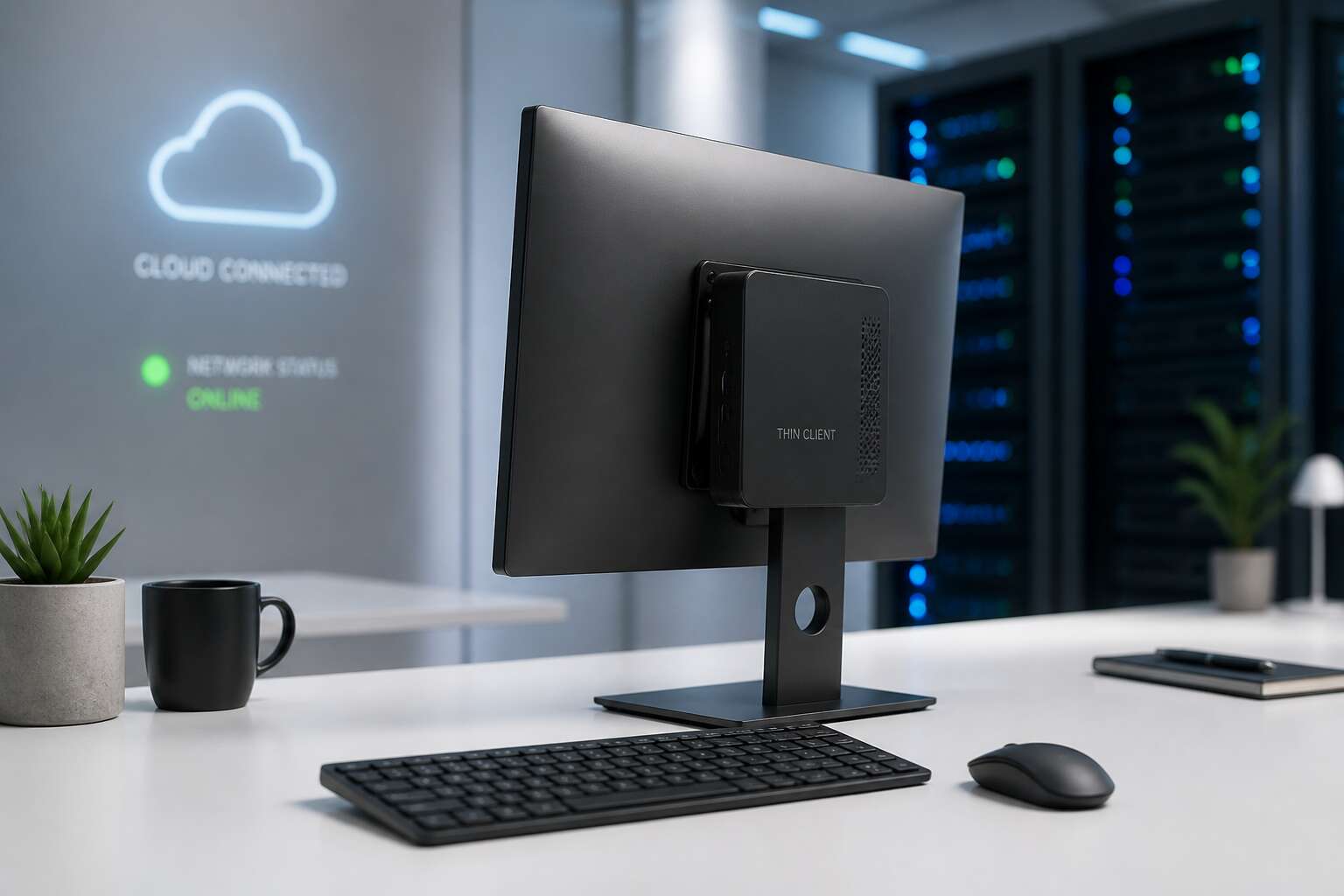
Assessing Your Thin Client Use Case
VDI adoption is climbing fast, but that doesn’t mean every office should rush into a full cloud conversion. Real talk: your specific workflow dictates whether a thin client pc setup is a stroke of genius or a frustrating bottleneck. The hardware is essentially a window to your server; if that server exhales slowly, your users will feel the drag instantly.
So, how do you know if this architecture fits your business? Start by looking at your actual application usage. If your team lives inside a browser or standard productivity suites, you are the ideal candidate. However, if anyone relies on heavy local processing, like video editing or complex 3D rendering, the network latency will eat you alive.
Here is the nuance most vendors skip: the backend determines your success.
– CPU and RAM allocation: You need to size the host server for peak usage, not just the average daily load.
– Peripheral passthrough: USB printers and specialized scanners often need specific configuration to work through a remote session.
– Network health: A stable, low-latency connection is the non-negotiable foundation for every single screen refresh.
For South African businesses dealing with load shedding and fluctuating connectivity, this last point carries serious weight. A thin client pc setup centralizes your data, which is fantastic for security and compliance, but it places a massive premium on your internet resilience. It is a trade-off: local processing power for centralized control and easier maintenance. Just make sure your uptime can back up that centralization promise.
Selecting the Right Thin Client Hardware
Picking hardware for a thin client pc setup is a deeply overrated activity. It matters, but less than you think. A dual core CPU and 4GB RAM run most virtual desktops. More RAM handles that one colleague with 47 browser tabs. Storage? Local flash speeds up booting, but keep it small. Your files live on the server.
- CPU: modern low power chips only.
- RAM: 4GB minimum, 8GB for tab hoarders.
- Ports: enough USB and DisplayPort connections.
Ignore vague claims about enterprise readiness. A R2000 mini PC with the right specs often beats a fancy branded box. Keep your whole approach grounded in actual usage, not spec sheet bragging.
Configuring the Operating System and Firmware
Before you even think about deploying fleets of these svelte machines, the real magic happens behind the scenes. Configuring the operating system and firmware is where you sculpt the raw silicon into a focused, secure portal. This is the quiet ritual that separates a seamless digital experience from a frustrating technical glitch. It is not about raw power, it is about controlled efficiency.
The initial firmware setup is your first rite of passage. You will want to access the BIOS or UEFI interface, which usually requires a quick tap of a specific function key during boot. Here, you can enable Wake-on-LAN for after-hours maintenance and, critically, verify that the power management policies are set to a strict, efficient profile. Clock speed is not the priority; consistent, low-energy performance is the goal for this hardware.
Once the system is singing, you will turn your attention to the network boot priorities. This dictates how the device finds its soul.
1. Set your primary boot source to the network protocol such as PXE.
2. Configure the secondary source to the local storage drive for emergency recovery.
3. Ensure the server address for your connection broker is correct.
After this, we move into the operating system itself. A thin client pc setup often relies on a stripped-down OS, either Windows IoT or a custom Linux build. You will want to disable superfluous services, such as Bluetooth or audio stacks, if they are not in use. The goal is to create a focused tool that connects to a virtual desktop and does not deviate from that primary purpose. I always find it a moment of zen when the device boots directly into the user profile, bypassing all the consumer trappings we usually wrestle with. This is where the hardware truly transforms from a box of components into a steadfast gateway to your digital workspace, ready for the demands of a bustling Johannesburg office or a remote Cape Town workstation.
Connecting to Virtual Desktops and Applications
According to recent industry surveys, over 70% of South African businesses are exploring remote work models. Yet, the bridge to that flexibility often feels like a technical tightrope walk. You are staring at a monitor, but your actual workspace is a server miles away. The magic trick? A thin client pc setup. It is not about the hardware on your desk; it is about the seamless connection to a virtual environment that holds all your applications and data.
Connecting to your virtual desktop is deceivingly simple. In most cases, you just power on the device, enter your credentials, and you are greeted by your familiar desktop interface. The heavy lifting occurs on the backend server. This means your local machine’s resources are barely taxed. Behind the scenes, a few standard protocols are doing the heavy lifting:
1. HDX or PCoIP: These handle the graphic rendering and screen updates.
2. RDP: The classic Microsoft protocol for basic access.
3. SSL/TLS: This encapsulates the session, ensuring your data is secure over the public internet.
You might wonder about performance. If you have a solid fibre connection, latency is a non-issue. Your session feels local, even when the server is in a different province. This setup is liberating, especially for teams in Johannesburg or Cape Town who need to collaborate. It eliminates the constant swap of laptops and the compatibility headaches of different software versions. Ultimately, a well-executed connection means you stop worrying about the tech and get back to the work that pays the bills. It is a quiet revolution for your daily productivity.
Securing and Managing Your Thin Client Network
Let’s face it, the weakest link in any network is the one person who writes their password on a sticky note. Managing a fleet of devices is less about the hardware and more about the digital discipline you enforce. Your thin client pc setup should be boring. It must be a fortress of predictable access and strict protocols. If a user in Randburg cannot connect to the printer, they will start blaming the network, the weather, and the machine’s specific astrological sign. Leave nothing to fate. Centralise control.
Here is what your management layer needs to cover:
– Deploying strict password policies that expire with alarming regularity.
– Restricting USB ports faster than a bouncer at a nightclub.
– Enforcing device-specific credentials for your roaming users.
The trick is the server side. When you manage a virtual desktop correctly, the hardware becomes a simple window. The actual work happens elsewhere. A system that monitors peripherals and bandwidth will protect you from the people who install random software. They usually click “yes” without reading the dialog box. Keep the connection smooth and firm. The efficacy of your thin client pc setup relies on this administrative control. If you skip this, you will spend your days resetting forgotten credentials or mapping a drive. That is a slow, tedious sentence to type, but a sure sign of a chaotic operation.


0 Comments