Defining Thin Clients and Traditional Desktops
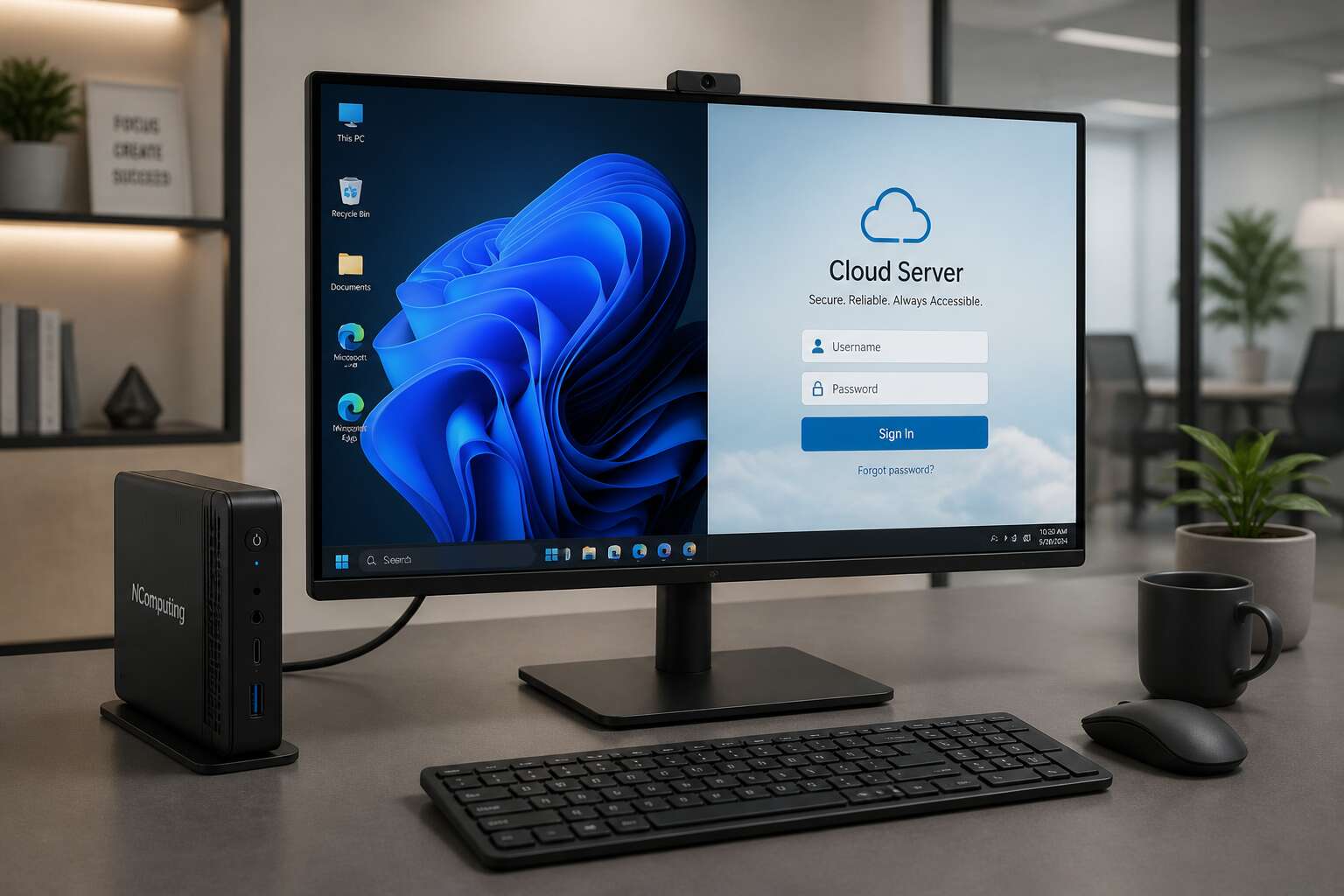
Whenever someone asks “is thin client a desktop,” you can feel the hesitation. It’s a sensible question! The two machines sit side by side in many South African offices, sharing monitors and keyboards. Yet their inner workings differ completely.
A thin client is a small device that offloads all heavy work to a remote server. It stores nothing locally. A traditional desktop holds its own processor, memory, and disk, running everything on site.
Compare their core traits:
- Thin clients demand stable network connections to function.
- Desktops remain fully operational offline.
So, is thin client a desktop? Not in function, only in appearance. The desktop belongs to the user. The thin client belongs to the network.
How Thin Clients Operate in a Virtualized Environment
Walk into any Johannesburg office and you might spot a small terminal on a desk. It looks like a desktop, but it has no disk drive or local operating system. That is the crux of the question. Is thin client a desktop? The answer appears when you follow how it operates.
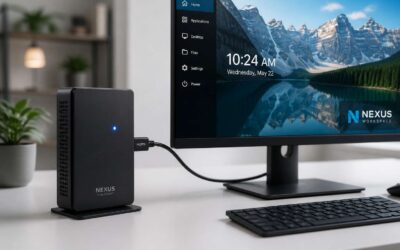
Each thin client connects to a central server using a protocol like RDP or PCoIP. That server runs the virtual desktop and stores every file. The client sends your keystrokes and mouse clicks, then paints pixels. I have tried this, and it is uncanny! For a South African business facing high hardware costs, this shifts the workload away. The process works in a sequence.
- The device boots into firmware.
- It finds the broker server.
- The broker assigns a session.
- All processing stays on the host.
So the honest answer is nuanced. A thin client mirrors a desktop that exists elsewhere.
User Experience and Performance Comparison
Ask anyone in Johannesburg or Cape Town whether the question “is thin client a desktop” truly matters, and the answer reveals a deeper truth about user experience. The device in front of you feels lighter and quieter, yet the actual work happens elsewhere.
Performance comparison boils down to the network. A thin client streams applications from a server, so responsiveness tracks latency and bandwidth, not raw CPU speed. Users on stable fibre often forget the machine is not a full desktop.
- Local desktops handle heavy workloads without network interference.
- Thin clients deliver consistent sessions when server capacity is managed well.
- Intermittent connectivity in South Africa can disrupt the entire experience.
Use Cases and Deployment Scenarios
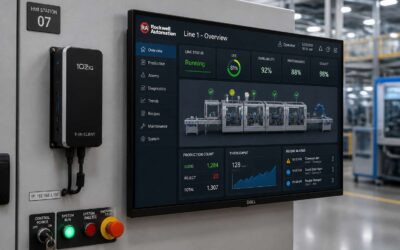
In the sprawling townships of Cape Town, a bank teller relies on a terminal that holds no local data. Is thin client a desktop? It presents a familiar screen, but its processing power hums in a distant server room. This question shapes how South African businesses deploy technology. For a retail chain with fifty branches, thin clients simplify updates and protect sensitive information. For a law firm, they offer silent, energy efficient workstations.
- Call centers that demand consistent performance across hundreds of seats.
- Clinics where patient privacy requires centralized storage.
- Educational institutions with limited IT staff.
Each scenario reflects a trade between independence and control. Yet the tragedy arrives when the network fails, and the desktop vanishes into a blank screen.


0 Comments