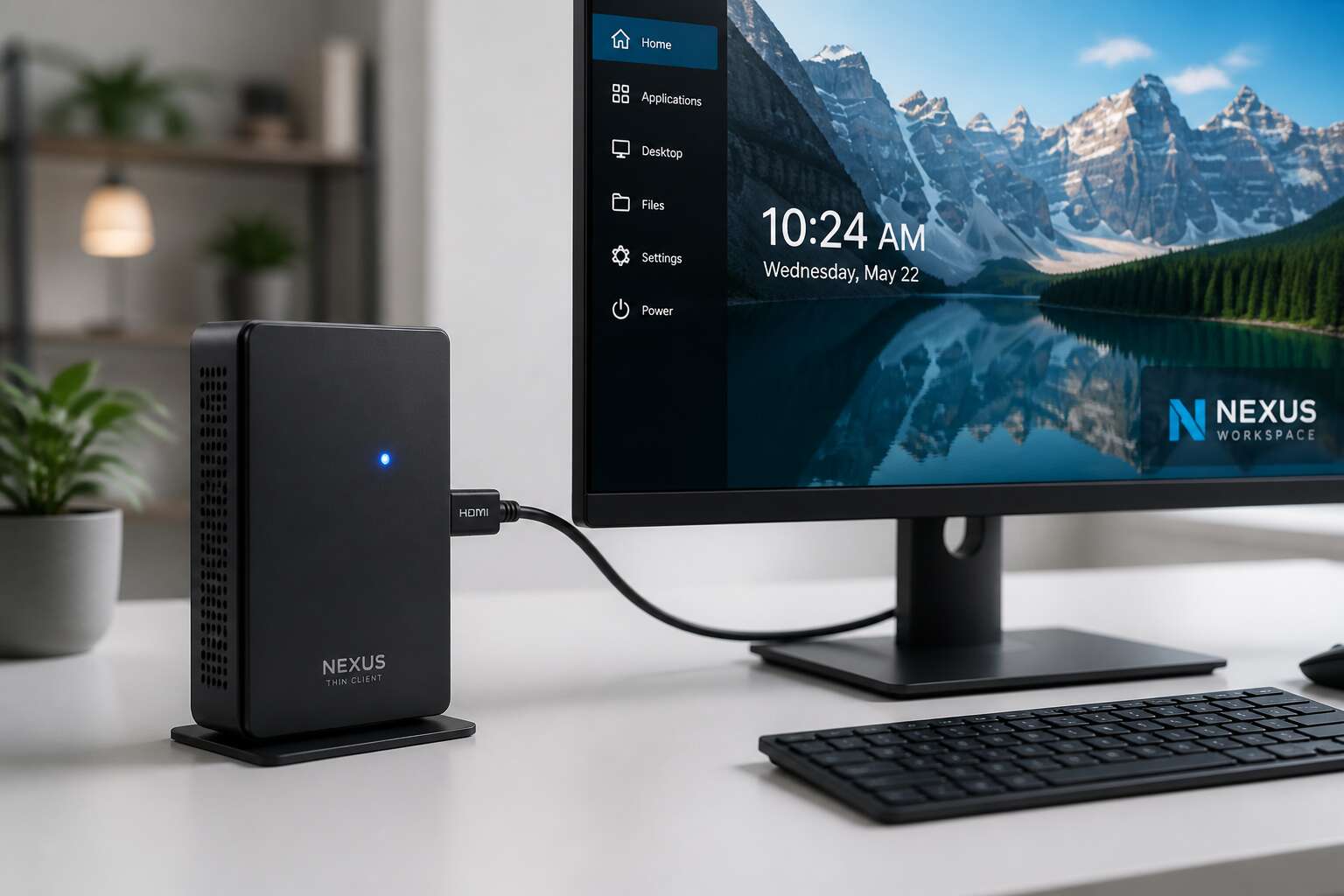
Understanding Thin Clients with HDMI
There is a certain joy in plugging a tiny box into a monitor and watching it outsmart a desktop tower. In South Africa, load shedding has made us experts at unplugging things, so a thin client with hdmi feels like a practical choice. It uses little power and still streams spreadsheets quickly.
Consider the practical wins! The hdmi port transmits video and audio over one cable, removing the tangle of VGA wires. For remote work in Johannesburg or a school lab in Durban, this device simplifies everything. It costs less than your monthly data bundle and takes up barely any desk space.
Sure, it won’t render a 3D game. But that isn’t the point. The thin client with hdmi delivers exactly what you need, no more, no less. That feels like a rare bargain these days.
Key Features to Look for in a Thin Client with HDMI
Seven hours and forty two minutes. That is the average daily screen time for a South African office worker. The cable between your desk and your monitor rarely gets a second thought. Yet it shapes every interaction with your digital world. A thin client with hdmi demands scrutiny beyond the port itself.
The HDMI version determines refresh rates and color depth. A 2.0 port allows 4K at 60Hz. A 1.4 port leaves you at 30Hz, a lag that fatigues your eyes. A quality unit offers:
- HDMI 2.0 or later for smooth 4K video
- HDCP 2.2 compliance for secure streaming
- Simultaneous audio and video pass-through
I have seen teams blame software when the real issue was a weak video interface. The right thin client with hdmi removes that friction. It lets you forget the hardware. That forgetfulness is where deep work begins.
Top Use Cases for Thin Clients with HDMI
Almost every modern workspace juggles three demands: cost, security, and flexibility. For these three demands, the thin client with HDMI is a practical answer. By pushing display output through a single HDMI port, these devices turn ordinary monitors into full desktops, pulling all computation from a central server.
In South Africa, where load shedding and bandwidth constraints test even the best IT strategies, this setup performs reliably. A thin client with HDMI keeps endpoint hardware simple, so replacements are cheap and provisioning takes minutes, not hours.
Common use cases include:
- Call centres with high agent turnover, where resetting a seat takes under five minutes.
- Healthcare clinics needing secure access to patient records without storing data locally.
- Educational labs where students share one server, but each gets a crisp HDMI connection.
Each use case relies on the same architecture: the display stays thin, while the server handles all processing.
How to Select the Right Thin Client with HDMI
Load shedding has forced South African businesses to reconsider every watt. A thin client with hdmi draws a fraction of the power of a traditional desktop, yet delivers a complete experience. Choosing the right one involves more than checking the port.
First, verify the resolution support. Some models cap at 1080p, while others handle 4K. Your screen and work tasks dictate the requirement. I recommend this checklist before you buy:
- Match the hdmi version to your monitor
- Confirm the operating system supports your applications
- Check the network quality, wired or wireless
I have seen buyers overlook latency. A thin client with hdmi depends on a stable connection to the server. Test it in your own environment before committing, and you will save yourself real frustration!
Setting Up and Optimizing a Thin Client with HDMI
The sharpest image is nothing without a reliable HDMI handshake. Across South Africa, businesses are discovering that the thin client with hdmi is essential on modern desks. It replaces a loud PC with a small box, yet demands attention during setup. The first plug-in triggers EDID handshakes, where monitor and device argue over resolution.
Cable quality usually causes the biggest issues. A cheap HDMI lead sabotages stable output. Swap to a certified cable and the picture locks at 60Hz. For multi-screen setups, set the primary display in the operating system; otherwise, BIOS screens vanish. The optimization process involves:
- Disabling power saving on the HDMI port to prevent wake-up flickers.
- Adjusting colour depth to 10-bit, if the panel supports it.
- Confirming firmware version, as older builds handle HDCP poorly.
With these adjustments, the thin client with hdmi thrives in dense offices.
Future Trends in Thin Client Technology with HDMI
By 2025, the global thin client market is set to grow by 7% annually, and the shift to HDMI-enabled models is a big reason. For South African offices, where load shedding still disrupts traditional desktops, a thin client with HDMI offers a resilient, low-power alternative. We’re seeing three trends:
- HDMI ports now support 4K output, making these devices viable for design work.
- Built-in Wi-Fi 6 reduces cable clutter.
- Cloud-based management is becoming standard.
These changes matter because they turn a basic terminal into a full workstation. The thin client with HDMI is no longer just a cost saver. It’s a tool for flexibility! As remote work persists, expect more hybrid setups that pair these clients with home monitors. That is the future.


0 Comments