Thin Client vs Thick Client: Core Concepts
Definition and basic differences between thin and thick clients
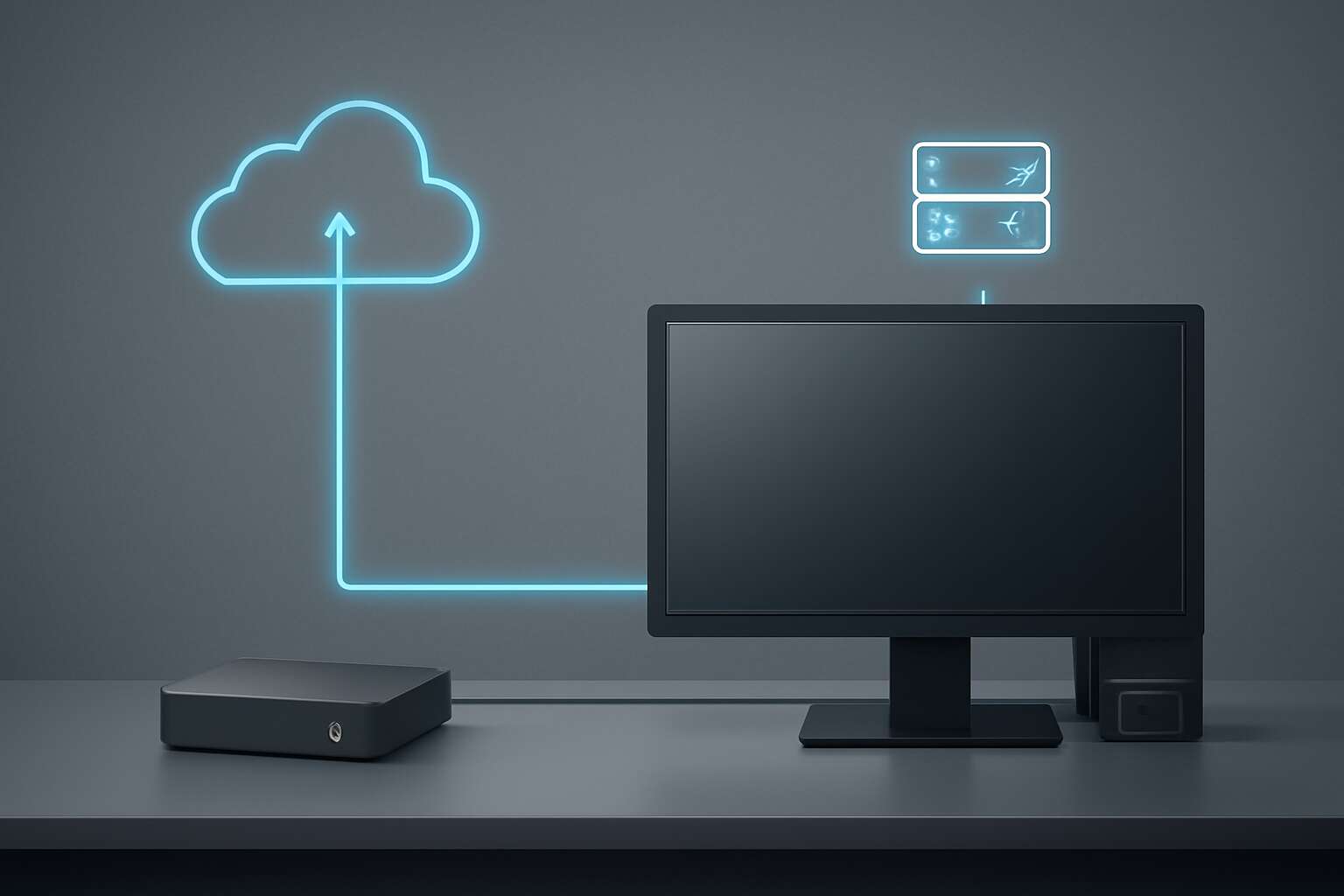
In rural South Africa, a steady connection can be the difference between clinic and crisis. The choice between thin client or thick client shapes how communities access data and care. A thin client is a lightweight device that relies on a central server for heavy lifting, while a thick client stores more software locally. “Connectivity is care,” a rural clinician reminded me, and that truth lands with quiet power.
Here are core contrasts to consider:
- Processing: thin clients rely on a central server; thick clients process locally.
- Maintenance: thin deployments centralize updates; thick requires on-device management.
- Offline: thin is network-reliant; thick can work offline when needed.
In South Africa’s varied landscape, bandwidth, power, and care protocols shape which path makes sense.
Typical architectures and components compared
“Connectivity is care,” a rural clinician reminded me, and the truth lands with quiet power. In rural South Africa, bandwidth and power hiccups shape every device decision, narrowing options to the realities of thin client or thick client deployments.
Core concepts hinge on where the heavy lifting happens. A thin client relies on a central server for processing; a thick client carries more software locally. That split drives data flow, update timing, and resilience when networks dip.
Typical architectures and components include the following building blocks:
- Central server or data center for processing
- Edge gateway for local traffic management
- Local storage and caching for offline bursts
- Offline synchronization and queueing
- Centralized updates and patch management
In South Africa’s varied landscape, the choice between thin client or thick client can redefine how clinics deliver care—balancing speed, cost, and reliability where every connection matters.
Key decision criteria when choosing between thin and thick clients
“Connectivity is care,” a rural clinician reminds me, and that truth shapes every decision about thin client or thick client in South Africa’s clinics. When bandwidth wobbles and power dips punctuate the day, the question isn’t just tech—it’s what travels where and how fast it can rebound after a blackout.
- Bandwidth sensitivity and latency
- Reliability of networks and devices
- Offline capability and local storage
- Update cadence and patch management
- Total cost of ownership and ongoing maintenance
The core decision between thin client or thick client boils down to where you want resilience: central powerhouses or local endurance. In South Africa, that choice writes faster patient care into the daily rhythm.
Performance and Resource Considerations
Resource utilization and hardware requirements for thin clients
Offices are trimming endpoint clutter while boosting reliability. In South Africa, studies show up to 40% energy savings when workplaces switch to thin clients. The choice hinges on where the heavy lifting happens—endpoints or servers—and how swiftly your network can ferry pixels and prompts. The result is not merely speed, but a quiet confidence in your IT budget.
When performance is the North Star, the resource equation tilts. Thin clients offload processing to servers, demanding robust data-center virtualization, adequate RAM in the host, and reliable uplinks to keep sessions smooth. Thick clients, by contrast, shoulder most workloads locally, requiring beefier desktops, larger caches, and simpler admin. So, when weighing thin client or thick client, align workloads with the right mix of bandwidth, CPU, and scale.
Network dependence and latency impact on user experience
In South Africa, latency above 100 ms can turn a crisp app into a slow-motion slideshow—and that’s not a feature. Performance hinges on where the heavy lifting happens and how fast your network ferries pixels and prompts from server to screen, especially across busy office corridors and shared WANs.
- Network jitter
- Bandwidth congestion
- Virtualization efficiency
- Display caching
When the connection is rock solid, thin client or thick client shine at their best. Patchy links and congestion magnify latency, flattening the user experience. The trick is matching workloads to the realities of your network, balancing where processing occurs with how aggressively you reduce or conceal UI updates.
Offline access and caching strategies for thin clients
Latency above 100 ms can turn a crisp app into a slideshow. South Africa users know this stealth productivity killer—the difference between a smooth app and a pixelated screensaver is real. When data ships across busy WANs, offline access and caching become real performance levers. The move isn’t just about speed; it’s about keeping the UI responsive even as packets take their own sweet time.
- Local caching of UI assets reduces round-trips.
- Smart prefetch and delta updates keep screens feeling responsive during blips.
Choosing between thin client or thick client hinges on how much work you push locally versus remotely. For South African offices, robust offline access design—local caches, prefetching, and sync—softens the edge when the line dips. The aim is steady user momentum, not a miracle cure.
Scaling implications and cost considerations
Latency above 100 ms can turn a crisp app into a slideshow, and South African offices know the sting of a jittery UI all too well. Performance isn’t a checkbox you tick once; it scales with user count, data gravity, and how aggressively you cache. thin client or thick client drives the math from day one, especially when you weigh local power against centralized smarts.
Scaling implications ripple into licensing, hardware refresh cycles, and energy bills. Costs aren’t just ticked at purchase; ongoing operation matters in RSA offices where power and WAN costs bite. When you choose thin client or thick client, the economics tilt toward centralized compute or edge resilience—your call, your wallet.
- Capex vs opex balance
- Licensing and maintenance cadence
- Energy and cooling footprint
Security and Management Implications
Security models for thin versus thick clients
A CIO once said, security is not a feature; it’s the ground you stand on. Across South Africa’s dynamic offices, the choice between thin client or thick client shapes how access, data, and risk dance together. A lighter endpoint shifts control toward the data center, while a heavier client invites more autonomy—and more to protect.
Security models must map to the architecture without becoming unwieldy. Common approaches include:
- Centralized patching and configuration management to reduce drift
- Strong data-at-rest and in-transit encryption with clear data ownership
- Robust access controls and multi-factor authentication across devices
- Centralized auditing and remote management for visibility
Centralized management and patching workflows
Security is not a feature; it’s the ground you stand on. Across South Africa’s offices, the choice between lightweight endpoints and autonomous workstations reshapes risk. A lighter endpoint shifts control to the data center; a heavier client invites more to protect—and more to manage.
Centralized management makes patching repeatable, not rushed. Baselines stay current, drift stays low, and change control stays intact. A cloud or on-prem console coordinates across sites, ensuring configurations align and approvals stay auditable.
- Consistent patch cycles across sites
- Unified policy enforcement and configuration baselines
- Clear audit trails for compliance and incident response
Beyond patches, centralized auditing and remote management deliver visibility from SA’s corridors to campuses. Strong data protection—at rest and in transit—lives on top of robust access controls, so endpoints neither hoard nor leak what matters. When weighing thin client or thick client, the architecture sets the pace for governance and resilience.
User authentication and data protection strategies
South Africa’s cyber front line is no joke: ransomware incidents rose 28% last year, and your endpoint choice decides how tight your security reins are. When weighing thin client or thick client, authentication and data protection play a starring role: a lean endpoint pushes protection into the data center, while a beefier client brings more to guard—both in transit and at rest.
Smart configurations ensure that access remains sane across SA offices: granular permissions, device posture checks, and context-aware access. The architecture matters because it informs how you enforce zero trust, encrypt sensitive data, and log every handshake for audits. In practice, the choice should be reflected in your audit-ready access control and data protection policies.
Compliance, data residency, and audit trails
South Africa faced a 28% surge in ransomware incidents last year, a wake-up call that hums through every endpoint and server alike. It’s a drumbeat I hear in every client briefing! Security and management implications hinge on compliance, data residency, and audit trails. When choosing thin client or thick client, you tilt the risk landscape toward where you store and verify data.
In SA, POPIA and local privacy norms accentuate the need for data residency strategies and rigorous governance. Audit trails must be immutable, and centralized management should support non-repudiable logging, patching, and access control across branches. How we architect these controls shapes resilience when inspectors arrive, and how readily teams can demonstrate due diligence.
- Data residency aligned with local law and cross-border safeguards
- Tamper-evident audit trails and centralized logging for accountability
Deployment Scenarios and Use Cases
Virtual desktop infrastructure and remote applications in enterprises
In South Africa’s hybrid enterprise, centralized apps anchor productivity. Whether you choose thin client or thick client, deployment patterns converge on secure, remote-access models that span devices and locations. VDIs, DaaS, and remote app streaming are reshaping day-to-day workflows. As one IT director notes, “Centralize the apps, extend device life, and simplify updates.” I’ve seen this work across South Africa!
Here are common deployment scenarios and use cases in South African enterprises:
- Virtual desktop infrastructure (VDI) for headquarters staff and knowledge workers
- Desktop-as-a-Service (DaaS) for branch offices and temporary projects
- Remote application streaming for field teams, kiosks, and contractors
Education, labs, and training environments
A single lab session can be run from the cloud, standardizing every workstation around one secure image. In education, deployment choices often hinge on the question: thin client or thick client? For classrooms, labs, and training environments, that decision sets the pace for access, resilience, and maintenance.
- Campus computer labs replaced by pooled images and shared peripherals
- Remote or mobile training labs that flex for classrooms, workshops, and outreach programs
- Simulation and practice environments for vocational trades and STEM coursework
When scaled across campuses, the approach favors flexible provisioning and centralized management. The ongoing choice between thin client or thick client shapes hardware lifecycles and energy use while letting educators spin up labs quickly. It’s a quiet revolution in learning, turning rooms into agile, resilient ecosystems.
Retail, hospitality, and lightweight terminals
Retail, hospitality, and lightweight terminals gain traction when deployments move fast and stay reliable. The choice between thin client or thick client drives hardware lifecycles, energy use, and how staff access critical apps, with a centralized image keeping kiosks, point-of-sale, and staff stations in lockstep. In South Africa, this approach accelerates onboarding and standardization across branches.
In practice, retailers, hotels, and training programs implement these patterns to stay nimble and secure:
- Retail front-end kiosks and POS systems that harness pooled images for brand consistency and rapid refreshes
- Hotel lobbies and guest rooms using lightweight terminals to host check-in, concierge, and guest services apps
- Mobile training labs that leverage shared peripherals for scalable classrooms and outreach events
Across sectors, this approach keeps operations efficient, reducing maintenance overhead while preserving a consistent user experience.
Hybrid cloud, edge computing, and future-proofing
Across South Africa’s fast-moving retail, hospitality, and training landscapes, deployment decisions now hinge on how cloud, edge, and on-device compute cohere. A recent industry snapshot shows 68% of retailers rate rapid IT refresh as a competitive edge. In this context, choosing between thin client or thick client isn’t just hardware—it’s a strategy for responsiveness and resilience.
Deployment patterns include:
- Hybrid cloud with centralized image management and cloud-hosted apps while edge devices execute latency-sensitive tasks locally.
- Edge computing at branches and key sites to maintain performance even with intermittent network connections.
- Future-proofing through modular images and scalable management that accommodate evolving workloads and devices, from kiosks to workstations.
The ongoing debate between thin client or thick client shapes how you align security, updates, and user experiences across a distributed footprint. In South Africa’s branches, that alignment translates into consistent branding, faster onboarding, and lower maintenance.




0 Comments