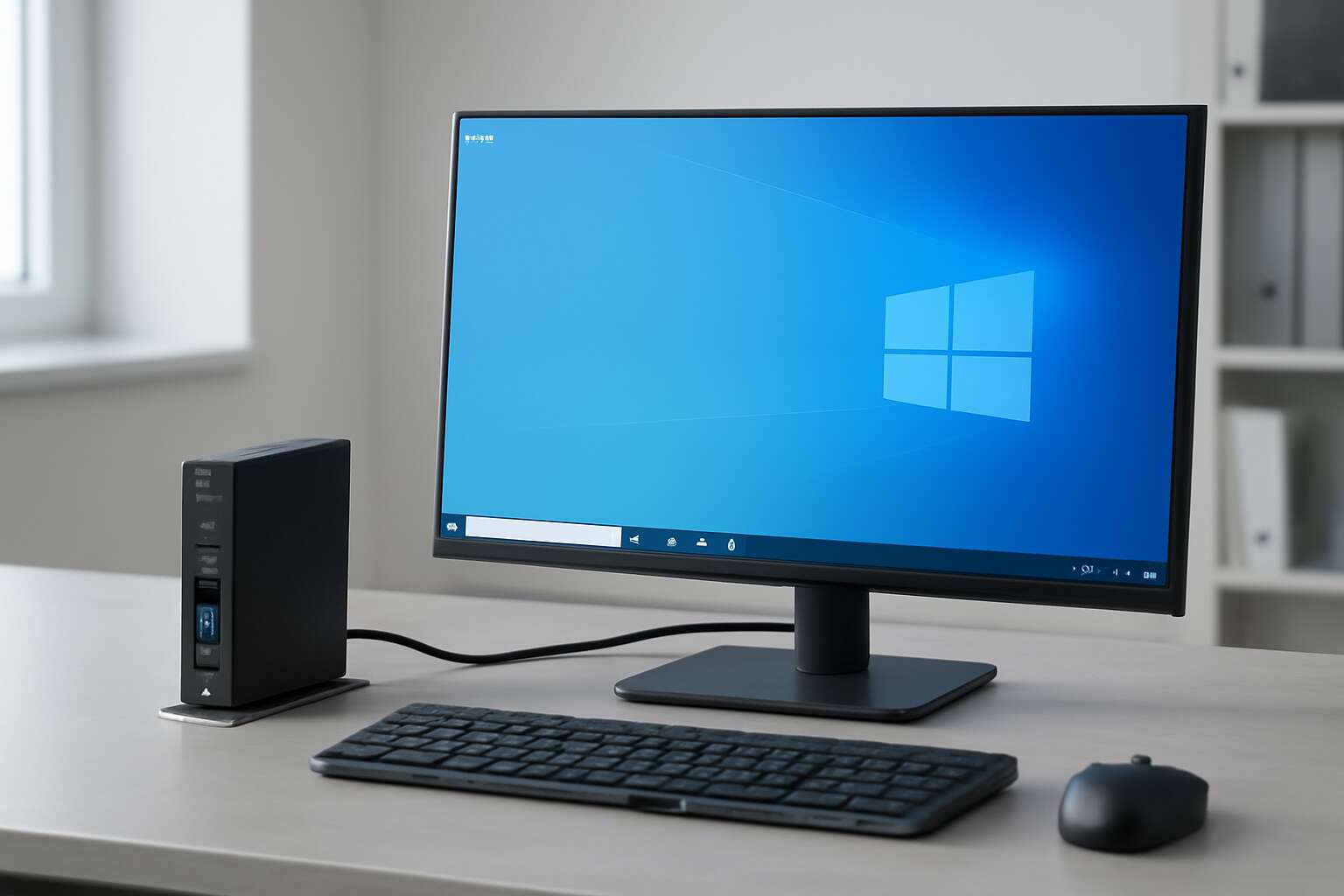
Understanding thin clients and Windows 10 viability
In South Africa, 52% of IT leaders say remote teams stay more productive when endpoints are lean and fast. That tension between performance and simplicity sits at the heart of any decision about thin clients.
So, can a thin client run windows 10? The viability hinges on how Windows 10 is accessed—whether through virtualization, a robust remote desktop protocol, or a managed cloud session—rather than the edge device alone.
Several factors shape the outcome. Consider these elements:
- Server-side virtualization and backend resources
- Network bandwidth and latency
- Display protocol and input methods
- Licensing models and support contracts
Understanding these dynamics helps South African organisations weigh the promise against the risk, keeping user experience at the core and security in quiet reserve.
Technical feasibility and constraints
In South Africa, the conversation around lean endpoints is a quiet storm, and I feel the question stark: can a thin client run windows 10? The answer hinges less on the hardware and more on how Windows 10 is summoned—via virtualization, remote desktop, or a managed cloud session.
Technical feasibility and constraints unfold in the following arenas:
- Server-side virtualization depth
- Network latency and bandwidth
- Display protocol constraints
Server-side virtualization and backend resources must be robust enough to render a crisp experience; network bandwidth and latency must be restrained by the distance between user and host. The choice of display protocol and input methods quietly shapes responsiveness, while licensing models and support contracts cast long shadows over long-term viability.
Remote desktop and virtualization options
In South Africa’s office corridors, the question haunts the IT brief: can a thin client run windows 10? The answer arrives through the lens of remote sessions and centralized compute, not a stand-alone PC!
Remote desktop and virtualization options keep Windows 10 accessible without upgrading hardware. Through RDP, Citrix, VMware Horizon, or Azure Virtual Desktop, the desktop travels to the endpoint; the heavy lifting sits in the data centre.
Key pathways include:
- Remote Desktop Protocol (RDP) sessions
- Citrix Virtual Apps and Desktops
- VMware Horizon
- Azure Virtual Desktop
These arrangements rely on robust backend resources and dependable network latency to deliver a crisp Windows 10 experience.
Use cases and best practices
In South Africa’s lean IT corridors, the question ‘can a thin client run windows 10’ shapes capex and compliance. The answer arrives as a service—remote sessions that relocate the heavy lifting to humming data centers while the edge device stays quiet and ready for action.
Use cases span remote branches, clinics, and education labs where centralized apps keep updates tight.
- Branch offices with limited IT support
- Training rooms and labs needing consistent software across seats
- Call centers and service desks that demand fast provisioning
Best practices focus on latency, security, and licensing, with robust backend resources and thoughtful network planning to preserve a crisp Windows 10 experience at the edge.


0 Comments