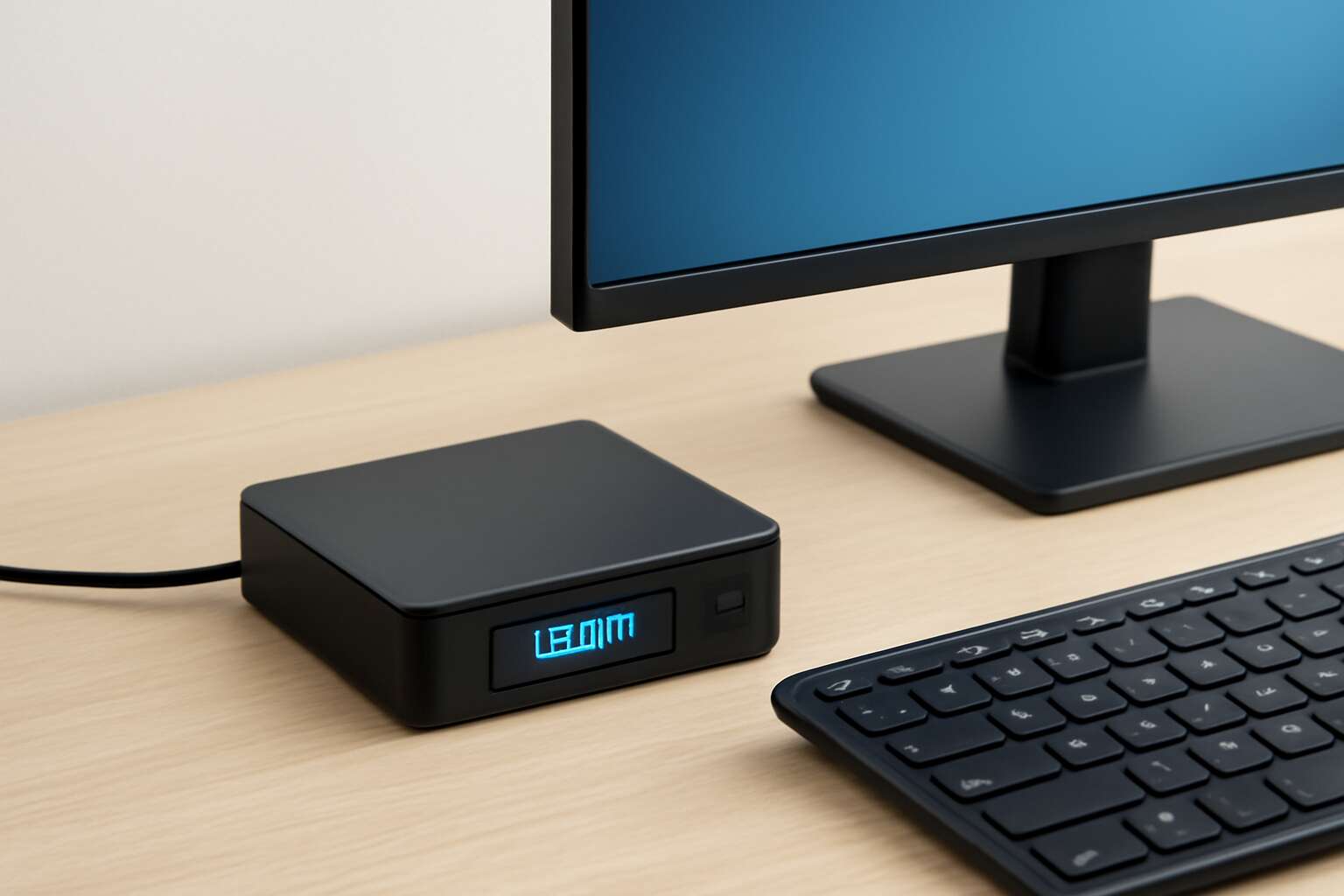
Overview of power in thin clients
What is wattage and why it matters for thin clients
In South Africa’s offices, the glow of a fleet of devices belies their power. The true story is measured in thin client wattage, and that small number can redefine a budget—green, practical, and consequential in daily operations.
Wattage is the rate at which a device consumes energy, measured in watts. For thin clients, a lean wattage means cooler rooms, lower electricity bills, and less strain on the grid during load shedding—vital considerations for modern office design here. In my experience, choosing low-wattage endpoints often translates into quieter, cooler IT rooms and steadier budgets.
Understanding this metric helps teams compare devices with confidence. The footprint of wattage on total cost becomes clear when you examine the components that drive it:
- CPU efficiency and idle power
- Display technology and brightness requirements
- Network adapters and peripheral activity
In the end, wattage shapes reliability, heat, and energy resilience across SA workplaces.
Typical power ranges by form factor
Power is the quiet conductor of a well-run SA office. In spaces where load shedding looms, the energy needs of thin clients turn into practical savings and smoother days. Understanding thin client wattage helps translate a spec sheet into real savings. The range spans from whisper-light devices to punchier compact units, each step changing cooling, capacity, and total cost.
Typical power ranges by form factor include:
- Thin clients (compact, fanless): 4–12W
- Small-to-mid form factors with larger displays: 12–25W
- All-in-one or higher-performance variants: 25–45W
For teams balancing efficiency with resilience, these footprints guide rack sizing, energy budgeting, and cooling strategies across SA workplaces.
Idle vs peak power and practical implications
Power is the quiet engine of a well-run SA office. The idle draw of thin clients keeps screens ready and sessions standing by, while bursts of activity push the energy need into a different register. That delta—from idle to peak—turns into cooling challenges and cost realities, making thin client wattage a practical compass rather than a mere spec.
Consider how this plays out in daily operations:
- Idle power defines the baseline heat and energy you pay for even when desks sit quiet
- Peak power governs cooling load, UPS headroom, and the risk profile during busy login bursts
- Storage, displays, and form-factor choices influence how gracefully a room scales with demand
In SA offices, thin client wattage awareness shapes resilience without wasted watts.
Energy cost implications for organizations
Power is the quiet architect of a productive SA office. As one facilities manager put it, ‘Every watt is a line item on the bill.’ The overview of power in thin clients reveals how single devices ripple through heat, performance, and cost, even before a login screen glows into life.
Energy cost implications for organizations hinge on more than the sticker price. Idle power creates a steady baseline, while bursts of activity drive peaks that test cooling capacity and UPS margins. In South Africa, where tariffs bite and load shedding looms, I’ve seen every watt saved compound into meaningful savings and reduced risk.
- South African tariffs and demand charges
- Cooling load and room design
- Hardware lifecycle costs
Ultimately, thin client wattage informs decisions that balance performance with sustainability, making the office quieter, cooler, and more cost-conscious.
Measuring wattage: how to quantify energy use
Key metrics: watt, volt-ampere, and efficiency
Small watts, big impact! In a SA office, even a modest drop in idle power adds up across hundreds of thin clients. Measuring wattage in this context is practical and revealing. Real power sits in watts, while volt-amps capture the surge you see on meters. Efficiency ties the two together, showing how much energy becomes usable work. When I review thin client wattage, this trio tells the full story.
- Watt (W): real power used for work, the energy you pay for.
- Volt-ampere (VA): apparent power, voltage times current, not necessarily real work.
- Efficiency: the ratio of real power to input power; moves energy from source to work.
In short, understanding these metrics helps teams compare devices and spot where small efficiency gains drive real savings in thin client wattage.
Tools and methods for testing power consumption
In a South African office, saving just 1 watt per device across hundreds of thin clients compounds into kilowatts—a quiet river that powers your day and your bottom line. That’s the magic of measuring thin client wattage: the numbers tell a story you can read at a glance.
Quantifying energy use unfolds with quiet, methodical tools. You’ll encounter three families of measurement—plug-in meters, software dashboards, and modern analytics—that translate power into human terms and reveal patterns across fleets.
- Plug-in power meters placed between outlet and device
- Software dashboards that log usage across devices
- Analytics platforms that convert logs into trends
Reading these numbers is less about boilerplate checks and more about the story the data weaves—tiny gains in this metric compound into meaningful efficiency across the workspace.
Interpreting datasheets and telemetry
Measuring thin client wattage is less a numbers game and more a weather report for the office. Datasheets talk about nominal draws, but telemetry shows how a fleet breathes in real life—idle screens, background tasks, bursts of activity. In a South African workplace, those fluctuations map to actual costs and to the rhythms of the day.
To quantify energy use, look at three data streams that translate power into human terms.
- Direct watts reported by plug-in meters or device sensors
- Voltage, current, and power factor pulled from software dashboards and telemetry
- Usage patterns over time to reveal peaks, troughs, and quiet periods
Interpreting datasheets and telemetry means translating raw numbers into patterns that guide decisions. Even small gains accumulate across a fleet, turning the quiet math into visible savings and steadier budgets. When you read the story behind the numbers, thin client wattage stops being a single figure and becomes a living map of your workspace.
Real-world measurement tips
An office in Johannesburg can shelter a surprising secret—the weather inside your racks is not rain but wattage. Even a half-percent drift in thin client wattage across a fleet can translate into thousands of rand saved or lost over a year. Wattage becomes a weather report, not a single number.
Real-world measurement treats power as a living pattern rather than a stubborn datum. Track how the fleet breathes across the day: idle calm, occasional bursts, and the steady hum of background tasks. The insights translate into budgets, and the numbers stop being abstract drill bits and become planning intelligence for thin client wattage.
Patterns matter more than peak figures. Look for consistent valleys when offices close, and predictable spikes during morning warmups. When the numbers tell a story—through charts, dashboards, and whispers of energy—procurement, maintenance, and IT can align without drama.
Factors influencing wattage in thin clients
CPU and chipset design
Power costs bite in South Africa’s offices; one quick truth stands out: CPU and chipset choices can swing thin client wattage by as much as 20% under typical workloads. That difference lands in the bottom line, room-by-room and desk-by-desk.
Several design factors govern this figure beyond the chassis and fans. The CPU architecture and process node, how aggressively the cores run, and how energy is gated during idle all play a role. The memory subsystem and integrated graphics also shape real-world draw.
- Process node and transistor efficiency
- Core design, clocking, and cache strategy
- Power gating and dynamic voltage/frequency scaling
In practice, firmware and driver-level optimizations can nudge the final wattage subtly but meaningfully, aligning performance with the region’s demand for reliability and cost control.
Display and peripheral power draw
In the real world, thin client wattage isn’t just about the CPU. Display and peripheral choices drive energy use just as hard, and in South Africa’s offices that difference can show up in monthly bills. The term thin client wattage becomes a practical concern when desks stay busy from dawn to dusk.
- Display panel brightness, resolution, backlight efficiency, and panel type
- Peripheral power draw from USB hubs, keyboards, mice, and other desk accessories
Beyond the silicon, how the system handles idle states and how the data path is routed to the display and devices shapes real-world consumption. Telemetry often reveals a surprising proportion of total draw linked to screens and peripherals.
Networking, storage, and expansion
Power bills rarely end at the processor. Across bustling South African offices, peripherals and networking gear frequently outshine the CPU in energy use, turning a lean thin client into a quiet power draw that lingers through the workday. Local audits reveal peripherals contributing a sizable share of total desk energy, especially where multiple displays, USB hubs, and docks stay active from dawn to dusk.
Networking, storage, and expansion choices shape the real-world energy footprint as much as silicon. thin client wattage becomes a practical concern when data paths and idle states align poorly with the workload.
- Networking: NICs, switches, PoE, wake-on-LAN behavior
- Storage: local flash vs network storage, protocol efficiency
- Expansion: USB hubs, docks, PCIe add-ons and their idle power
Thermal design and efficiency features
Streets of Johannesburg hum with power, and the quiet thin client anchors every desk. In many South African offices, peripherals and networking gear siphon more energy than the CPU, shaping the real wattage you notice on the electricity bill.
Thermal design and efficiency features keep that wattage in check. Here are key ideas:
- Passive cooling and aluminum enclosures curb heat without fans.
- Efficient regulators and smart PMICs cut waste during transitions.
- Dynamic thermal management and DVFS trim activity in idle moments.
- Prudent PCB layout and heatsinks guide heat into the chassis.
Real-world conditions—airflow, ambient temperature, and chassis design—shape the thermal budget. When cooling is efficient and idle states are respected, thin client wattage stays pleasantly modest across busy SA offices.
Power supply and circuitry efficiency
The engine of a lean compute device isn’t just silicon; it’s the power chain. In South Africa’s offices, the rhythm of lights and climate often makes the power supply’s efficiency the quiet star behind every bill. The way a thin client converts mains into steady little currents shapes the actual energy you see on the meter — far more than the CPU alone. Power supply and circuitry efficiency are the unsung guardians of wattage, quietly smoothing out peaks and keeping heat in check.
Smart design reduces waste across transitions:
- High-efficiency power supplies with solid regulation
- Synchronous regulators and intelligent PMICs
- Thoughtful idle and peak management
When the power chain is gentle and the device respects idle states, thin client wattage stays modest across SA offices.
Comparing thin client models on energy use
Benchmarking methodology for wattage
Across South Africa’s offices, every watt counts. When you compare thin client wattage across models, the numbers tell a story not just of idle quiet but of sustained energy discipline under real work. The real mystery is which device stays quiet when tasks intensify!
Benchmarking methodology for wattage should look beyond brief spikes and vague labels. Use representative workloads, steady ambient conditions, and long enough observation windows to reveal power scaling, then normalize results for apples-to-apples comparison. The list below highlights facets that surface in a fair review:
- Workload fidelity and task mix that resemble real user sessions
- Power scaling from idle to peak under stable conditions
- Measurement windows and data normalization for cross-model comparisons
In practice, the outcome is less about a single peak and more about energy discipline over a workday. The data should feel like a clue, guiding teams toward systems that sustain performance without waste.
Vendor comparisons and energy certifications
In South Africa’s offices, every watt matters. When you compare thin client wattage across models, the numbers tell a quiet story of energy discipline under real workloads. The real mystery is which device keeps its composure as tasks intensify, pulse by pulse.
In practice, vendor comparisons and energy certifications help decode thin client wattage and separate marketing from measurable performance.
- ENERGY STAR certification signals efficient power management across idle and load
- EPEAT registration emphasizes lifecycle environmental impact and sustainment
- TCO Certified hardware reflects ergonomic and energy-conscious design
Such signals travel with teams through daily decisions, from township offices to rural clinics and city campuses, offering a humane lens on power use and a reminder that steady performance can coexist with restraint.
Case studies: office deployments
Offices from Sandton to the townships have learned that every watt matters. In South Africa, a modest swing in thin client wattage can ripple into meaningful annual savings for IT and facilities teams. The real story isn’t brand promises; it’s real workloads producing clear, quiet energy discipline.
Case studies from three office deployments illustrate how wattage plays out day to day:
- Pretoria government call center: steady under load, close to idle numbers, proving efficient CPUs and smart power management.
- Cape Town corporate HQ: balanced idle vs. peak, showing how display and peripheral power draw scale with user sessions.
- Rural clinic network: low total draw, reliable performance—proof that low power can travel far and still perform.
These snapshots frame how vendors translate energy certifications into practical choices, shaping procurement conversations around the metric that matters most: thin client wattage.
Total cost of ownership and energy impact
Offices from Sandton to clinics in the countryside are learning that the tiny numbers on a power meter tell a bigger story. When the data center hum drops, savings surface in monthly energy bills. In South Africa, thin client wattage differences aren’t abstract; they show up in annual costs across departments.
To compare models on energy use, consider total cost of ownership and the broader energy impact rather than the sticker price. Key dimensions to review:
- Idle vs under-load power draw
- Display and peripheral energy, scalable with sessions
- PSU efficiency and thermal design
Manufacturers’ energy certifications translate into practical procurement considerations, helping teams reconcile space, cooling, and maintenance with budgets.
Optimizing power efficiency: practical tips
Choosing models with low idle consumption
Across South Africa’s offices, the steady hum of a thin client fleet becomes part of the landscape. Even idle, some devices sip as little as 2 watts, while others drift higher—quiet reminders that thin client wattage matters long after the first login.
Choosing models with low idle consumption anchors power efficiency without dulling performance. Balance rests on chipset design, firmware, and power-state management, ensuring the system stays poised rather than drifting into wasteful activity—a core component of thin client wattage wisdom!
- Idle power specifications and energy certifications
- Firmware power-saving features and sleep states
- Display, peripheral, and networking draw considerations
In rural clinics and schools, these quiet savings translate into real-world steadiness—a reminder that small choices shape the wider energy story of thin client wattage.
Config and OS optimizations for energy savings
Even modest tweaks can trim the energy bill without slowing people down. In South Africa’s offices, a fleet of slim devices stays cooler and more dependable—the punchline of smart optimization. Start with a lean OS image and silence nonessential background chatter that never logs in.
Config and OS optimizations win where it counts: power plans, display brightness, and updates scheduled for off-peak hours. Disable unnecessary services, apply short idle timers, and let remote management push changes during quiet hours; every adjustment matters for thin client wattage.
- Limit startup apps and background services
- Enable sleep/hibernate after inactivity with a short timer
- Use lightweight, offline-capable apps to reduce network draw
Small, deliberate choices add up—especially in rural clinics and schools where steady performance matters and energy bills shrink.
Display settings and peripheral management
In South Africa’s offices, the real energy vampires sit on desks and in monitors, not in the server room. Even modest tweaks can trim the bill without slowing staff. When you tune the components that affect thin client wattage, the savings are almost theatrical—silent, swift, and measurable.
Display settings influence energy use. Brightness levels, energy-aware profiles, and the interplay of refresh rate and color depth quietly shape display power draw. The outcome is a subtler thin client wattage footprint that finance teams will notice without drama.
Peripheral management matters too. Unused USB devices, cooling fans, docking stations, and network adapters contribute to power draw. A lean constellation of devices operating in harmony yields energy savings that keep the office cool and the budget intact.
- Monitors and display panels
- Docking stations and external drives
- Idle USB peripherals
Networking and remote management features
Savings shimmer in South Africa’s offices when networking and remote management are tuned for energy. The art is in policies, scheduling, and telemetry that lower idle draw without slowing staff. In practice, thin client wattage drops as devices respond to centralized commands and energy-aware profiles, quietly transforming a charged office into a lean, responsive workspace.
- Centralized configuration for power policies
- Scheduled wake/suspend routines across endpoints
- Remote monitoring with telemetry alerts
Pair these with the right vendor features to optimize power usage at scale; you gain visibility, predictable performance, and calmer budgets.
Maintenance and firmware updates that impact power
Power costs in South Africa’s offices bite back when IT hovers in idle mode. The truth is that thin client wattage becomes a narrative of discipline and care, not just hardware specs. Maintenance and firmware updates can tilt the balance toward efficiency while keeping staff moving at pace.
These updates and maintenance shifts reveal themselves as high-level realities rather than chores:
- Firmware and driver updates that fine-tune idle and wake behavior
- Telemetry-informed policy adjustments for display, network, and peripheral power
- Thermal design refinements embedded in newer releases to optimize the power path
In practice, the result is a quieter energy footprint that travels with the office—delightful for budgets and surprisingly unintrusive for daily work!



0 Comments